Overview
The LTCI computing cluster is the shared high-performance computing platform of Télécom Paris. It gives all LTCI researchers free access to a large pool of GPUs and CPUs, for everything from quick interactive experiments to large-scale, multi-node model training.
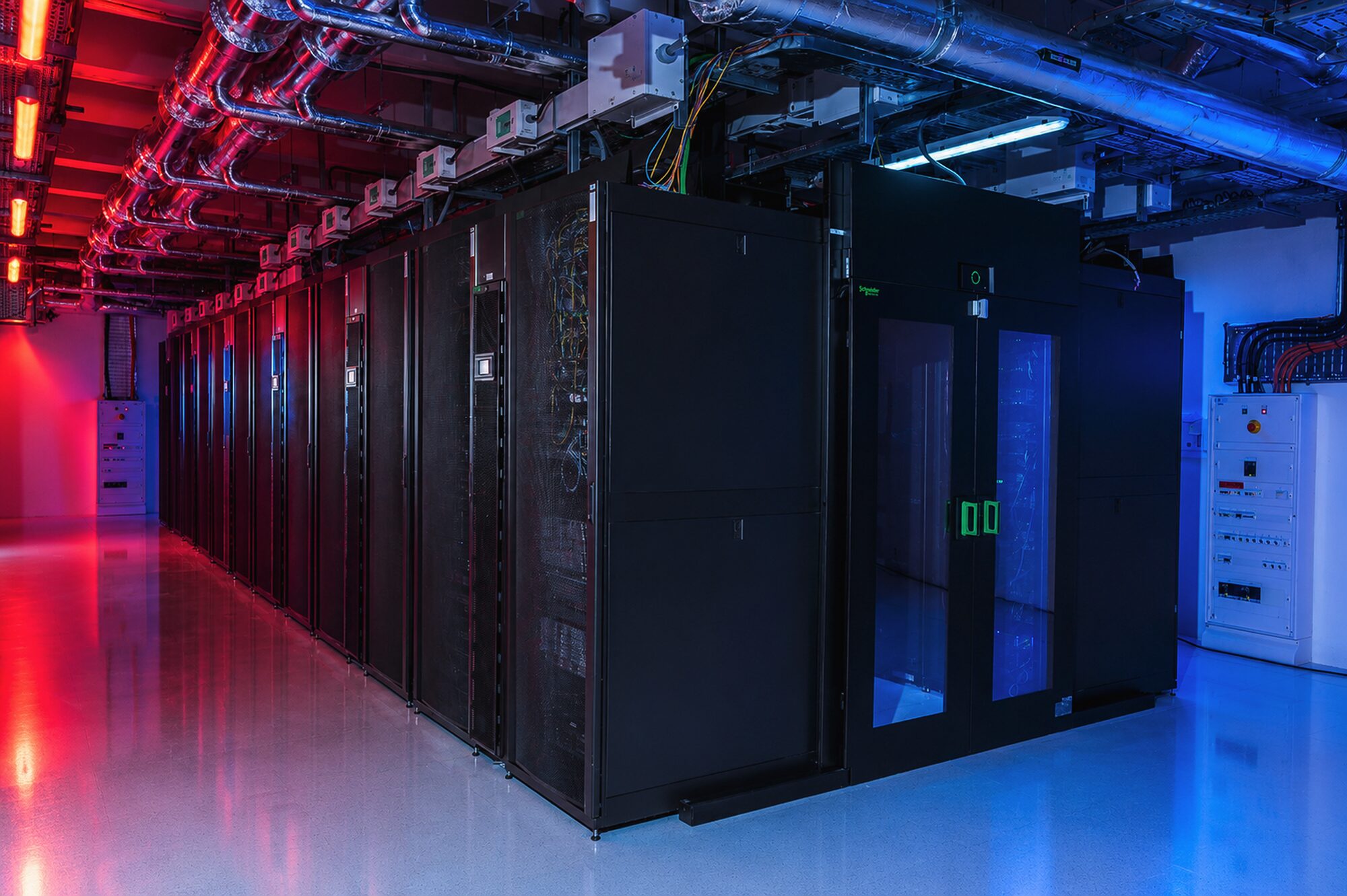
The cluster: key figures#
How to use the cluster#
You never run code directly on the hardware. The principle is the same for every job:
- Connect to a login node over SSH.
- Prepare your code, data, and software environment.
- Submit your work to Slurm, choosing a partition and the resources you need.
- Collect your results from shared storage once the job has run.
The cluster is free for all members of the LTCI laboratory — no compute-hour budgets — with a fairshare policy that balances access between users. External teams can join through funded research projects or academic collaboration.
About the cluster#
The cluster started in 2016 as a shared departmental resource, serving a single department rather than the laboratory-wide service it is today. As demand for GPU computing grew, it expanded into a shared platform now serving all three LTCI departments — IDS, INFRES, and COMELEC — hosted on the Télécom Paris campus.
Today it serves the entire LTCI laboratory, from PhD students and interns to permanent researchers, and is maintained by the Computing Resources Engineering Team, with network infrastructure and account management provided by the DSI department.





Citing the cluster
This work was granted access to the computational resources of the LTCI computing cluster at Télécom Paris, Institut Polytechnique de Paris.
Partnerships #
The cluster supports research carried out with academic and institutional partners, and hosts resources allocated to funded research projects.
Academic & institutional partners#
Beyond the LTCI cluster, the Computing Resources Engineering Team (CRET) takes part in computing at the scale of Institut Polytechnique de Paris, working with colleagues from IDCS (École polytechnique) and ENSTA within the mesoGIP cluster. Check out IP Paris mesocentre.


Projects with dedicated allocations#



Acknowledgments#
About this site
This documentation is built with MkDocs and Material for MkDocs, and hosted on GitLab Télécom Paris.
Its structure and content drew heavily on the Sherlock Computing Cluster at Stanford, with further inspiration from the IDRIS Jean Zay cluster, Princeton Research Computing, and the NERSC documentation.